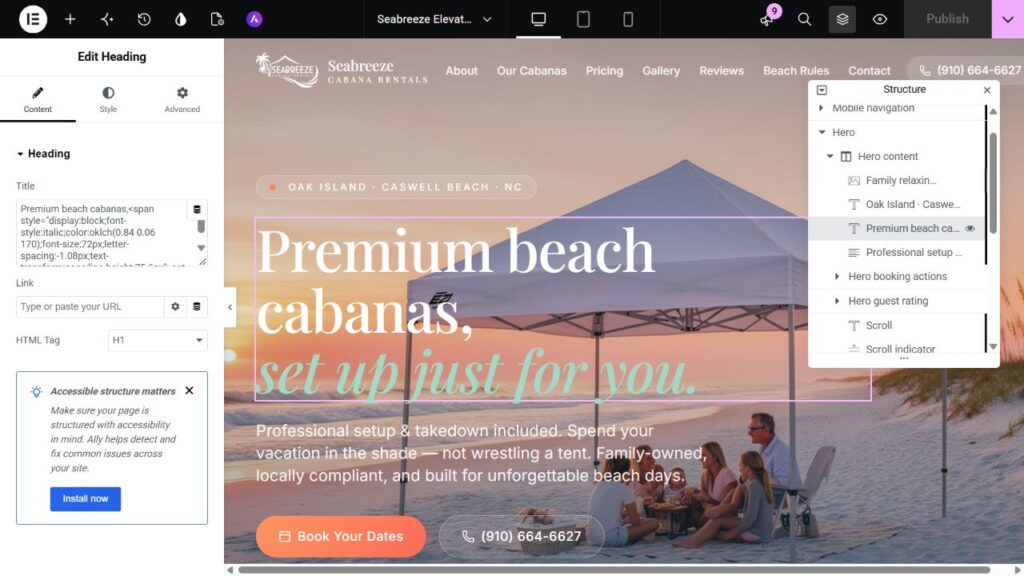
React to WordPress Migration: An SEO Checklist
Preserve useful content and URLs, map every changed route and inspect the live destination after launch. Careful engineering reduces avoidable migration problems, but does not guarantee unchanged rankings.
Published 25 October 2026 · Syed Rizwan Khan
Record the baseline
Export routes, sitemap membership, metadata, canonicals, headings and indexing directives. Review Search Console and analytics where available to identify pages with impressions, clicks and conversions.
Include useful URLs found in analytics and backlinks even if they are absent from navigation. A crawl cannot prove that no other valuable route exists.
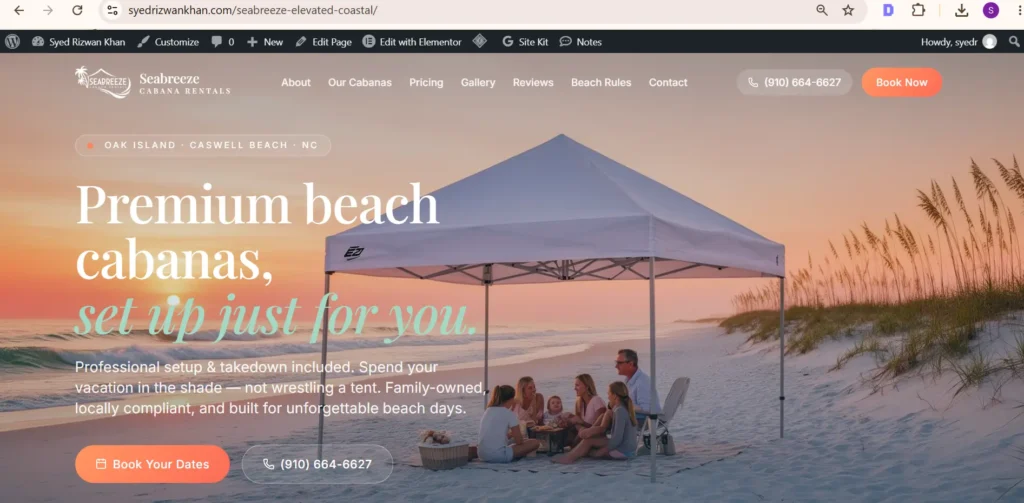
Choose the architecture
Marketing pages may suit native Elementor editing. Complex React applications may need to remain in React or use WordPress for content. Do not discard working application behavior merely to put every screen in one editor.
Map each route’s content and dependencies. Authentication, API data and private dashboards need a separate implementation plan from public copy.
Create a URL map
Record whether each URL stays, moves to an equivalent page or is intentionally removed. Preserve paths where practical. For changed URLs, use permanent server-side redirects to relevant final destinations.
Avoid sending unrelated old pages to the homepage. Avoid redirect chains. Keep genuinely missing pages as errors instead of returning the same successful page for every unknown path.
Move useful information
Retain copy, meaningful headings, image alternatives and links. Important links should use crawlable HTML anchors. Review structured data against the new visible content.
Set unique metadata and correct canonicals in the CMS. Remove staging restrictions only from the intended public site, and keep separate staging environments protected.
Verify launch separately
Test important URLs and redirect mappings. Check final HTTP status, canonical, indexability, internal links and sitemap membership. Verify that missing URLs return an appropriate error status.
Review desktop and mobile rendering. Test forms and integrations separately. A successful build or import is not proof of public behavior, email delivery or Google indexing.
Monitor the evidence
Track indexing reports, performance, crawl errors and actual inquiries. Compare equivalent periods and account for small samples. Investigate specific failing URLs before making broad changes.
Retain relevant redirects and update internal links to final destinations. Compare lost pages with the baseline before assuming the CMS itself caused the change.
Authoritative references
See Google’s URL migration guidance and WordPress permalink documentation.
Discuss React conversion or Lovable migration for your source website.
Have a design you need built?
Send the source design, website URL and required functionality. Scope and turnaround are confirmed after review.