Figma to WordPress Elementor Development
Figma to Elementor development for agencies, designers and businesses with an approved design. I rebuild your landing page or business website in WordPress with native editable content, reusable styles and responsive layouts. The quote defines pages, interactions, revision rounds and handover before development starts.
When this service fits
You have an approved design and want a maintainable CMS implementation. Figma is the main workflow; layered Photoshop/PSD files, Adobe XD designs and authorized screenshots or mockups can also be reviewed. Share exportable assets, licensed fonts and desktop/mobile references.
A screenshot is a visual brief. It does not supply responsive rules, source code, a working checkout, accounts or a database. Missing states and behavior are agreed before implementation.
What you receive
- Native Elementor headings, text, images, buttons and reusable sections.
- Responsive layouts with agreed stacking, navigation and image crops.
- Shared typography and colors where supported by the existing design system.
- Scoped metadata, heading hierarchy and crawlable internal links.
- An editing handover and a clear list of custom-code dependencies.
From design to handover
Review: I check the page inventory, component states, assets and integrations. Scope: We agree responsive decisions, deliverables and review rounds. Build: I reconstruct the design and compare it at equivalent viewport widths. Verify: We review visual details and test agreed interactions before handover.
Accuracy needs the right source
Exact visual matching depends on the intended fonts, assets and responsive rules. If mobile designs are missing, I propose the adaptation for review. A fallback font can change line breaks even when its size matches. Any necessary substitution should be agreed before it becomes part of the final build.
Relevant work
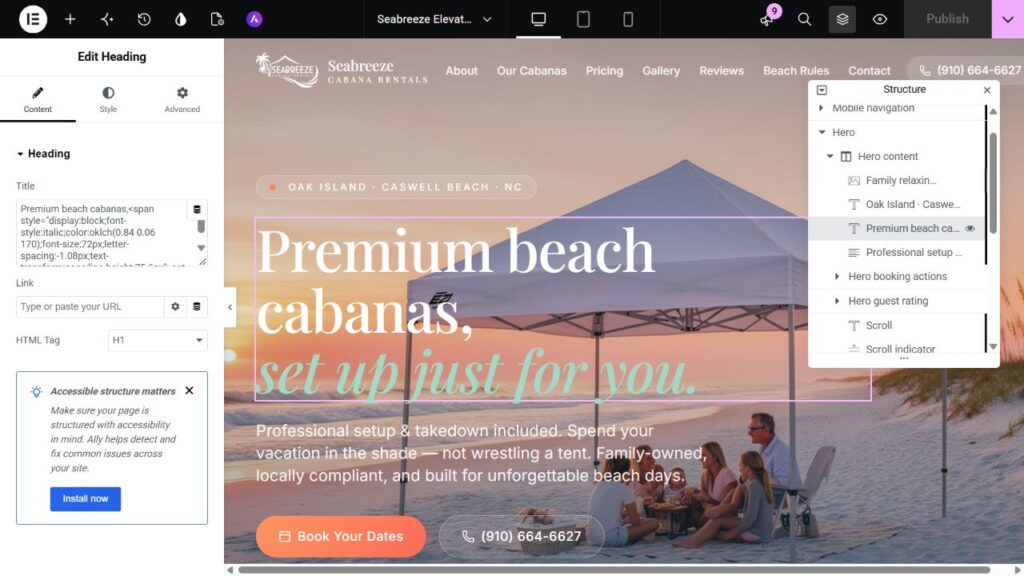
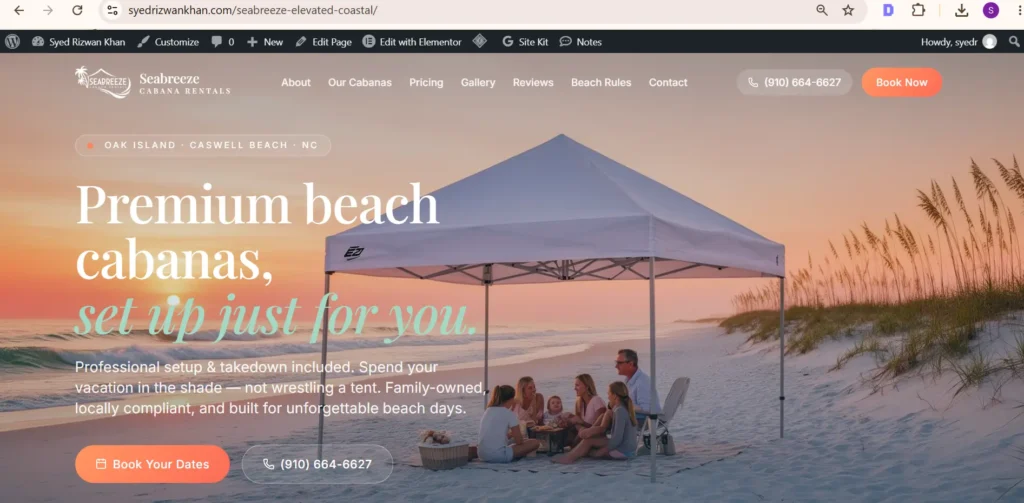
The Seabreeze screenshots below demonstrate WordPress editing and a Lovable/React conversion. They are not a Figma-to-Elementor comparison or evidence of a commissioned Figma project.
Figma example brief: a permission-cleared design file, the matching native Elementor page, equivalent desktop and mobile captures, and an editor walkthrough showing text and image changes. A complete paired example is not published here yet.
Questions before you send the design
Will I be able to edit the site?
Content built with native widgets can be changed in Elementor. Advanced scripts and integrations may need developer maintenance.
Can you work from desktop-only designs?
Yes, with responsive behavior scoped first. Mobile designs reduce ambiguity about stacking, spacing and crops.
Is 24-hour delivery available?
Only when the reviewed scope supports it. Page count, assets and integrations determine turnaround.
Do I need Elementor Pro?
Some forms, theme templates and dynamic features require Pro or another agreed solution. Licensing is confirmed during scoping.
What determines the quote?
Page count alone is not enough. Reusable sections, mobile designs, interaction states, content readiness, integrations and revision rounds determine implementation effort. Pricing and a schedule are confirmed after reviewing your source.
Can you work behind our agency brand?
Yes, with communication, confidentiality and portfolio permissions agreed in the project scope. See the agency development service.
Plan your build
Read the Figma implementation guide or explore HTML conversion. Send your source design through the project inquiry section.
Have a design you need built?
Send a view-only Figma link, the pages required, mobile designs where available, asset/font permissions and key features. I will identify missing decisions and prepare a scope-based quotation. Compare the single-page, multi-page and agency packages.