How to Build Fully Editable Elementor Templates
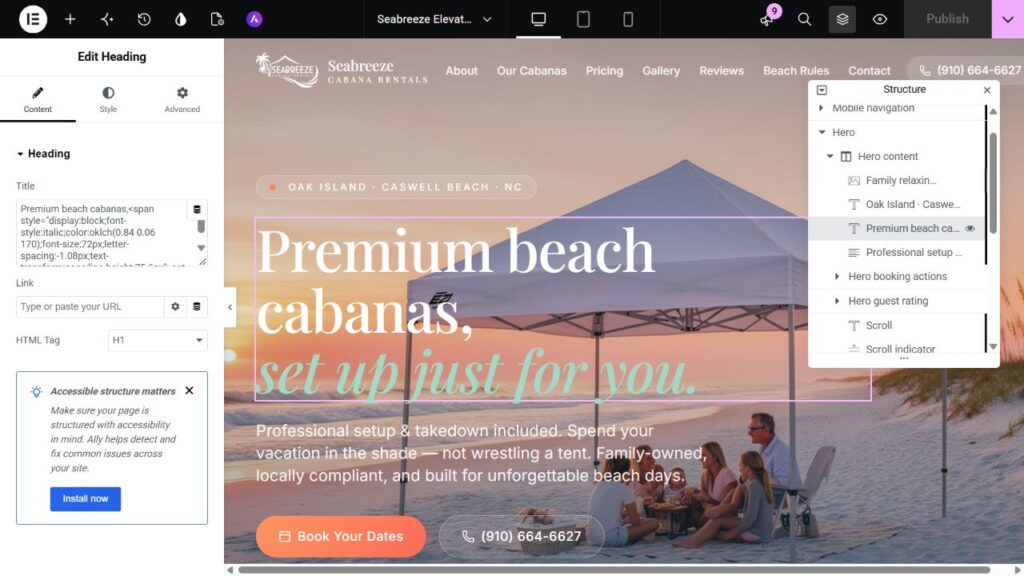
An editable template supports real content tasks through the intended editor. Define those tasks first, then keep normal content in widgets and explain the boundaries around custom code.
Published 25 October 2026 · Syed Rizwan Khan
Define the editing contract
List the changes the owner should make independently: headlines, images, links, repeated items and shared colors. Editability is a set of supported tasks rather than a label added after the visual rebuild.
Structural changes and application features may still need a developer. Explain those responsibilities instead of promising every future change without code.
Choose the right content structures
Use native headings, text, imagery and buttons with meaningful accessible names. Organize repeated content so the owner does not need to copy large markup fragments. For classic layouts, maintain sections, columns and widgets.
A small custom comparison slider can be reasonable, while its surrounding copy remains editable. A whole-page HTML embed makes ordinary editing much harder.
Make shared styles deliberate
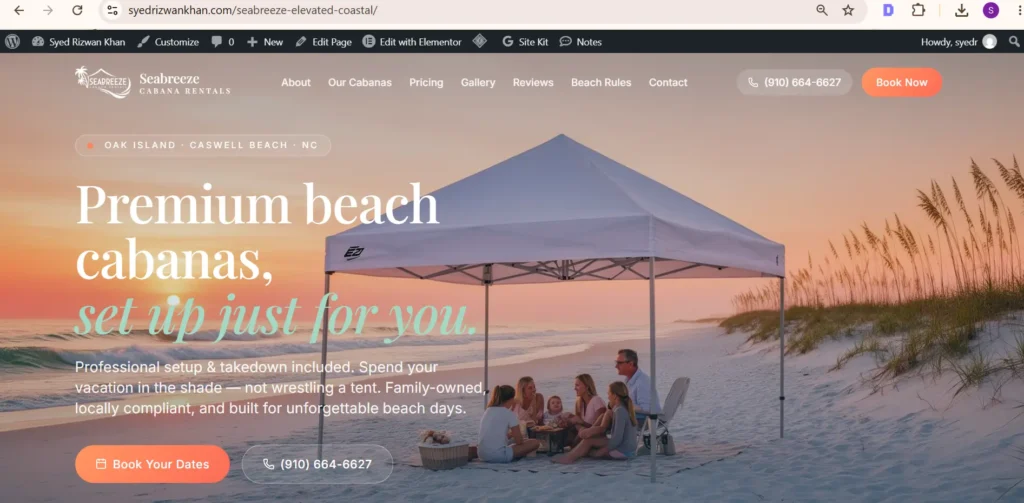
Use a compact set of approved colors and typography choices. Name reusable sections by purpose. Keep local exceptions explicit so an owner can predict the result of a global change.
If a global change has no effect, inspect theme and local overrides. Changing several tokens at once makes the cause harder to isolate and can introduce unrelated regressions.
Test real content changes
Try a four-line heading, a long button label, a portrait image and an unbroken URL in a disposable draft. These reveal rigid heights and widths that ideal sample content can conceal.
Check desktop, tablet and mobile after representative edits. If an image ratio or text-length limit is a design requirement, document it during handover.
Verify the editing workflow
Change a heading, image, CTA destination and shared style through the intended controls. Preview affected pages and restore or discard test content. Check that reusable changes affect the intended locations and page-specific changes stay local.
Document third-party widgets, licenses and scripts. A tool used to import a page may be removable, but a widget that renders visible content may remain a runtime dependency. Verify the distinction before deactivating anything.
Document functional boundaries
Explain where forms submit and what confirms delivery. An email-client link, an on-screen success message and a server-delivered email are different outcomes. The owner should know which behavior was implemented and tested.
A practical handover makes routine edits straightforward and identifies work that still belongs to a developer.
References and related work
Elementor Site Settings documents the shared controls. See the Figma build workflow, HTML conversion and Figma development.
Have a design you need built?
Send the source design, website URL and required functionality. Scope and turnaround are confirmed after review.